BlogDevelopment
Top 8 Shopify Themes For Your Online Store
A theme is a five year decision that most brands make in an afternoon. Here are eight worth shortlisting and the checks that matter more than the demo.
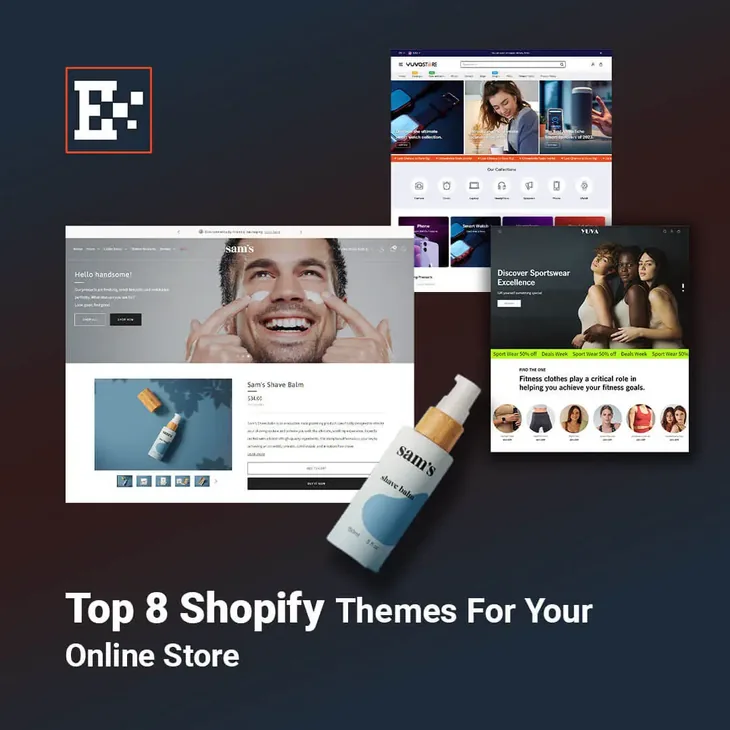
A theme looks like a design decision. It is closer to an architecture decision. The theme sets what your merchandisers can change without a developer, how fast your pages load before anyone optimises anything, and how much rework a redesign will cost in three years. Most brands pick one in an afternoon from a demo store selling a product nothing like theirs.
Here are eight themes worth a shortlist, and then the part that matters more than the list.
The free themes from Shopify
Shopify maintains a set of free themes. They are updated with the platform, they support the current section and block model, and they are the fastest starting point for a store that does not yet know exactly what it needs.
- Dawn. Shopify’s reference theme. Deliberately plain, very fast, and the one most developers know best, which keeps the cost of extending it low.
- Sense. Brighter and more playful than Dawn, built on the same foundation, suited to beauty and wellness catalogues.
- Spotlight. Image led, with a gallery treatment that flatters products people buy with their eyes.
- Craft. Quiet typography and generous space, aimed at small artisan catalogues where the story sells the product.
- Refresh. A punchier layout for brands that lean on promotions and campaign pages.
The paid themes worth paying for
Paid themes cost a few hundred dollars once and bring merchandising features that would otherwise be development work. The good ones come from teams that have maintained their themes for years, which matters more than any single feature.
- Impulse. Built for large catalogues with heavy filtering and promotion blocks. A workhorse for stores with hundreds of products.
- Prestige. The default choice for premium and fashion brands. Restrained by design, and it holds up when your photography is good.
- Broadcast. Strong campaign and content sections, useful for brands that run drops and editorial alongside the catalogue.
What to check before you buy
The demo store is the least useful thing on the page. It has been built by the theme author with perfect photography and a catalogue shaped to flatter the layout. Run these checks instead.
- Load the demo with your slowest connection and watch what happens on mobile. Most themes are demonstrated on desktop.
- Look at how many products the demo collection holds, then imagine yours. Filtering behaviour falls apart at a size the demo never reaches.
- Check when the theme was last updated. A theme that has not shipped a release in a year is a theme you will maintain yourself.
- Read the support policy. You are buying a relationship with the author, not a file.
- Count the apps the demo relies on. Some themes look feature rich because three apps are doing the work.
A theme you can extend beats a theme that already does everything. The second kind tends to do all of it slightly wrong for your catalogue.
When no theme is the answer
There is a point where theme shopping stops being useful. If your product needs a configurator, if pricing depends on measurements or materials, if stock lives in an ERP, or if the store has to run in two languages with a layout that flips, no theme on the marketplace was built for that. At that point the theme becomes a base to build on rather than a product to buy, and the question changes from which theme to how much of it you keep.
That is the work we do at The Epixels: custom Shopify Plus development for stores that have run out of settings to change. If you are weighing a theme purchase against a custom build, bring the store to a call and we will tell you which one your catalogue actually needs.
The Epixels is a Shopify Plus agency in Dubai that builds custom Shopify development and runs conversion rate optimization for DTC brands. Bring us the store and the problem.
Book a call